For little travellers aged 3–5
Preschool learning games that work anywhere, even with no wifi
Counting, letters, patterns, shapes, memory and sorting for 3–5-year-olds, made for planes, car rides, restaurants and waiting rooms. Load it once at home and every game works offline. No ads, nothing to buy by accident, and a kid lock little hands can’t open.
- Works with no wifi
- No ads, ever
- Kid lock
- Pay once
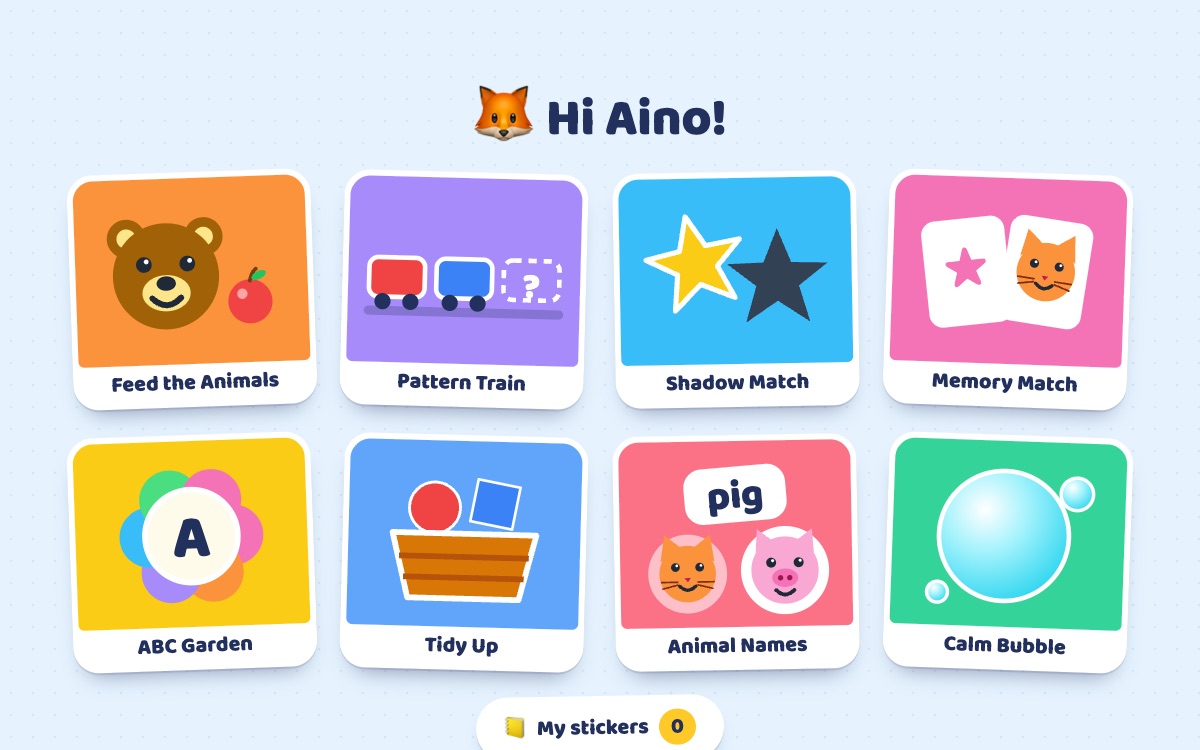
Seven games, a sticker for every round
-
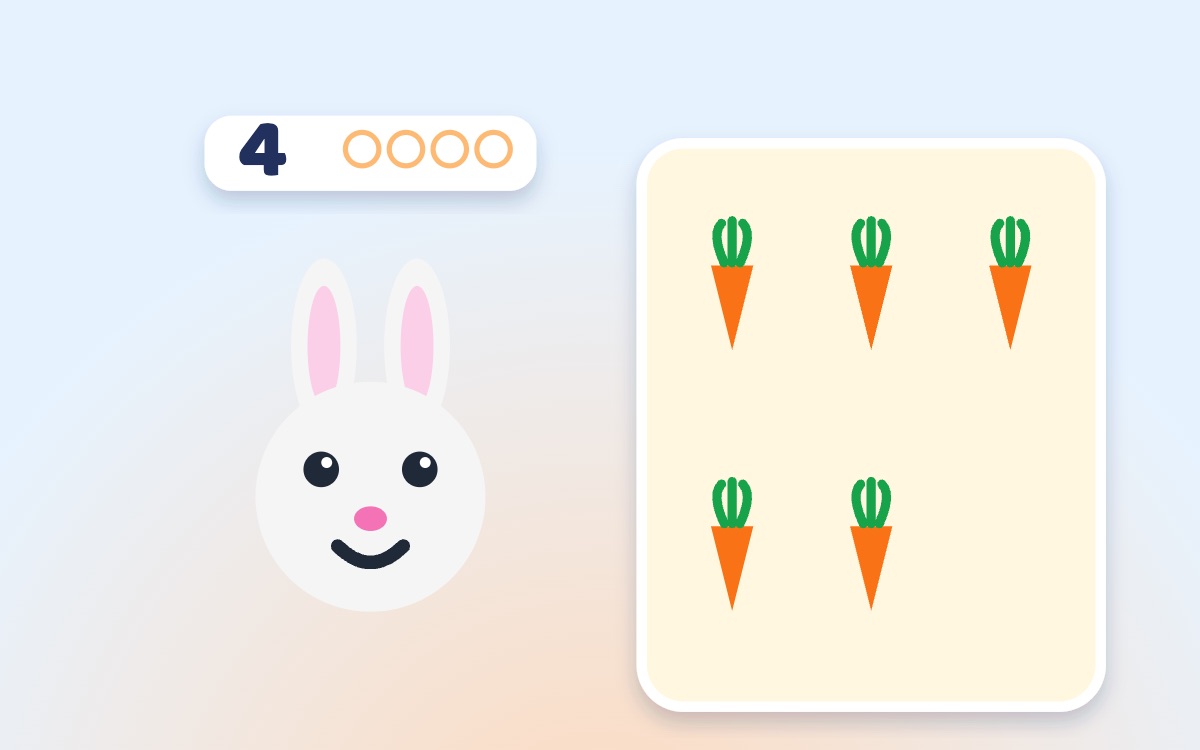
🍎 Counting
Feed the Animals
Drag the right number of apples, carrots or flies to a hungry animal, one dot for each.
Try free ▶ -
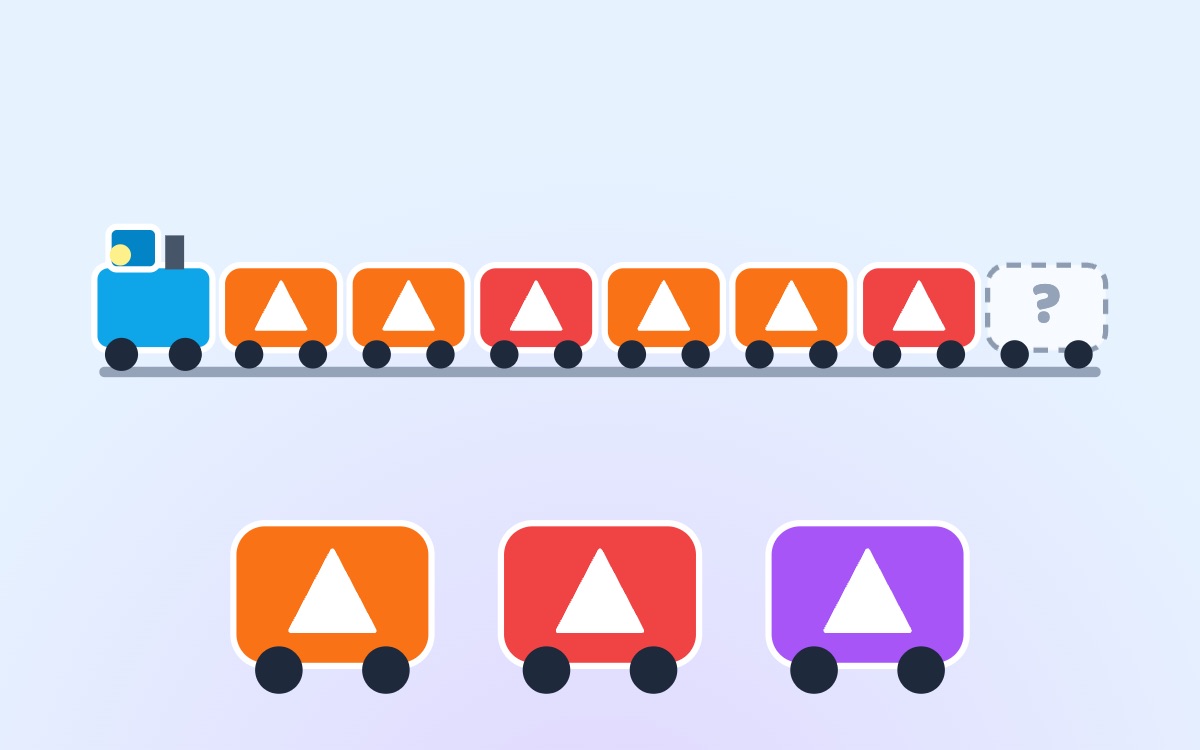
🚂 Patterns
Pattern Train
Red, blue, red, blue… which car comes next? Patterns grow from AB to ABC as your child learns.
Try free ▶ -

🌗 Shapes
Shadow Match
Drag shapes and animals onto their shadows. Later the shadows turn, for a bigger challenge.
Try free ▶ -
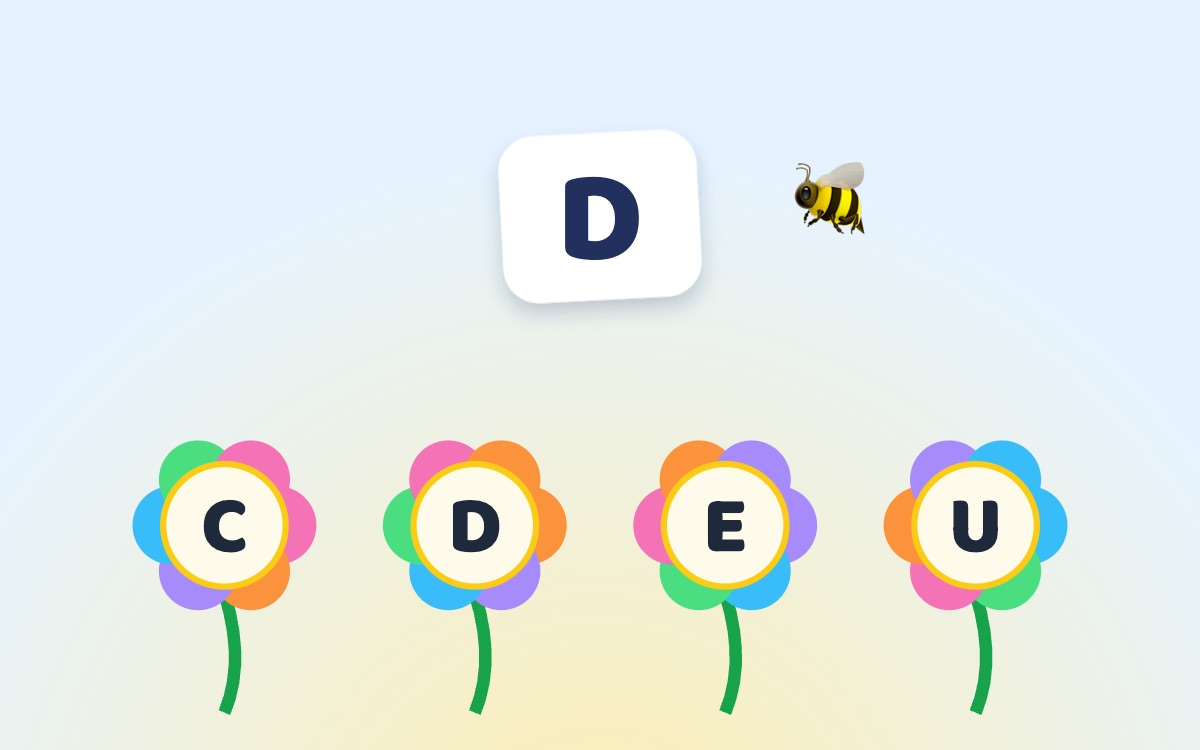
🌻 Letters
ABC Garden
A bee asks for a letter: find it on a flower. Later: which picture starts with B, and big and little letters.
Try free ▶ -
🃏 Memory
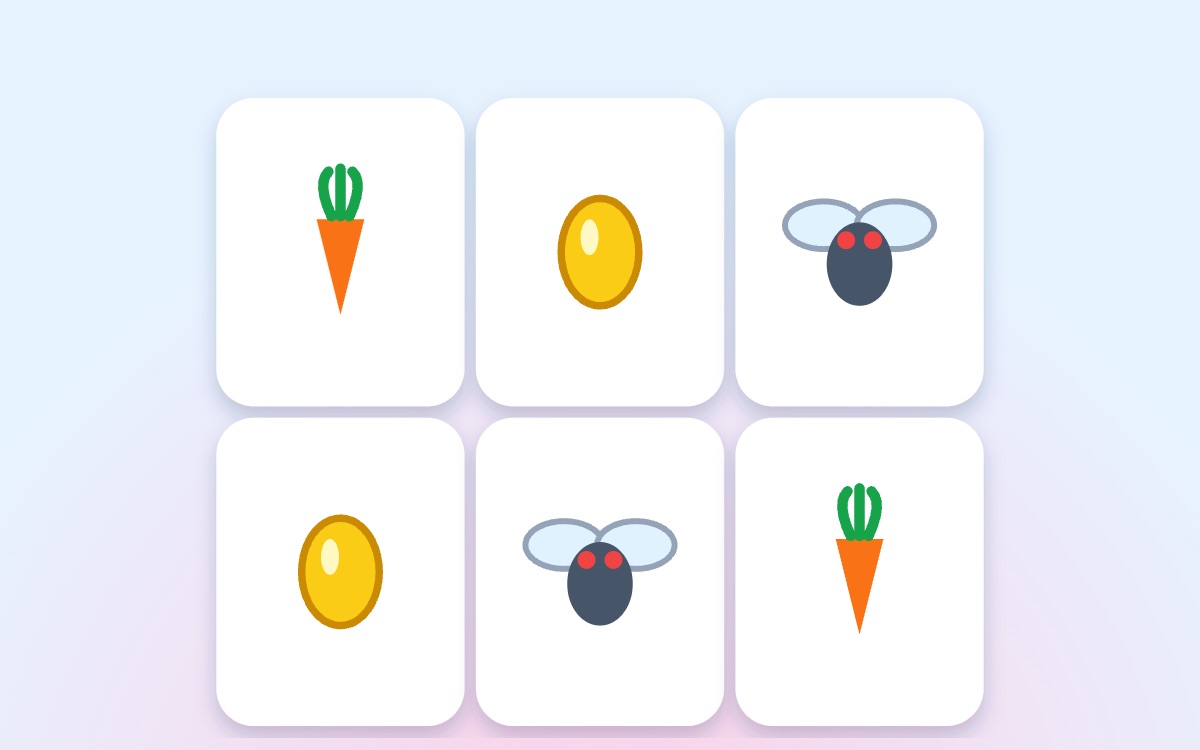
Memory Match
Turn two cards, find the pairs. Starts with four cards and a peek, grows to twelve.
Try free ▶ -
🧺 Sorting
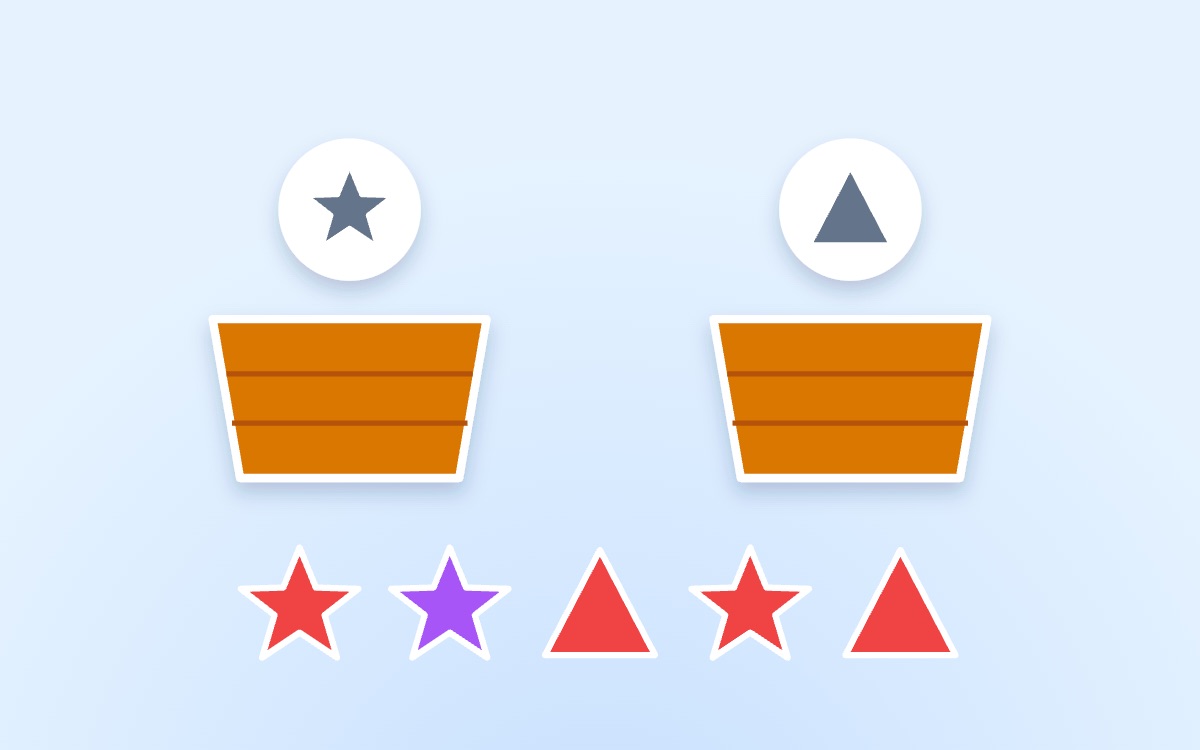
Tidy Up
Tidy things into the right basket: by colour, by shape, big or small, animals or food.
Try free ▶ -

🫧 Calming down
Calm Bubble
Three slow breaths with a bubble. Every session ends calmly instead of with a meltdown.
Play free ▶
Made for travel, built for parents
- Works offlineLoad once on wifi. Every game then works in airplane mode, in the car, anywhere.
- TinyAbout 100 KB in total. No game downloads eating your storage or data.
- Kid lockNo accidental exits, no settings changes, nothing to buy by mistake.
- Right levelPick your child’s age; each game then adapts as they play.
- Calm endingsSessions finish the round, then a breathing bubble, instead of a sudden stop.
- No ads, no trackingNothing about your child leaves the device.
How it works
- Set up in a minute: your child’s age, which games to show and how long a session lasts.
- Hand it over: big tiles, spoken instructions, a little hand that shows what to do.
- Calm finish: when time’s up, the round ends and a breathing bubble says goodbye.
Free to try, pay once to keep playing
Free
€0
- Every game
- 15 minutes on the first day, then 10 a day
- Calm Bubble always free
One game
€2.99 once
- One game of your choice
- No time limit
- Works offline
Any three games
€5.99 once
- Any three games
- No time limit
- Works offline
All games
€9.99 once
- Every game, including new ones
- No time limit
- Works offline
One payment, no subscription, no ads. A grown-up buys in the locked grown-ups area.
Questions from parents
Does it really work with no wifi?
Yes. Open it once on wifi and everything is stored on the device: about 100 KB, smaller than a single photo. After that every game works in airplane mode, in the car or anywhere without a signal. The grown-ups screen shows "Ready for offline ✓" when it is.
Are there ads or in-app purchases?
No ads, ever, and nothing a child can buy. Unlocking is done by a grown-up in the locked grown-ups area, once, with no subscription.
Can my child leave the game by accident?
Leaving a game needs a long press on the home button, and the grown-ups area needs a 2-second hold plus tapping 1, 2, 3. On iPhone and iPad, Guided Access keeps the app on screen too.
What about screen time?
Health guidance recommends no screen time for children under 2 (apart from video calls) and about an hour a day of good-quality content for ages 2–5, ideally with a grown-up nearby. Our sessions are short on purpose and end with a calm breathing game.
Do I need an account?
No account is needed to play, and nothing about your child leaves the device. A grown-up signs in only to buy, so purchases follow you to other devices.
Free to try, no sign-up. Works on any phone, tablet or computer.
Try it free ▶